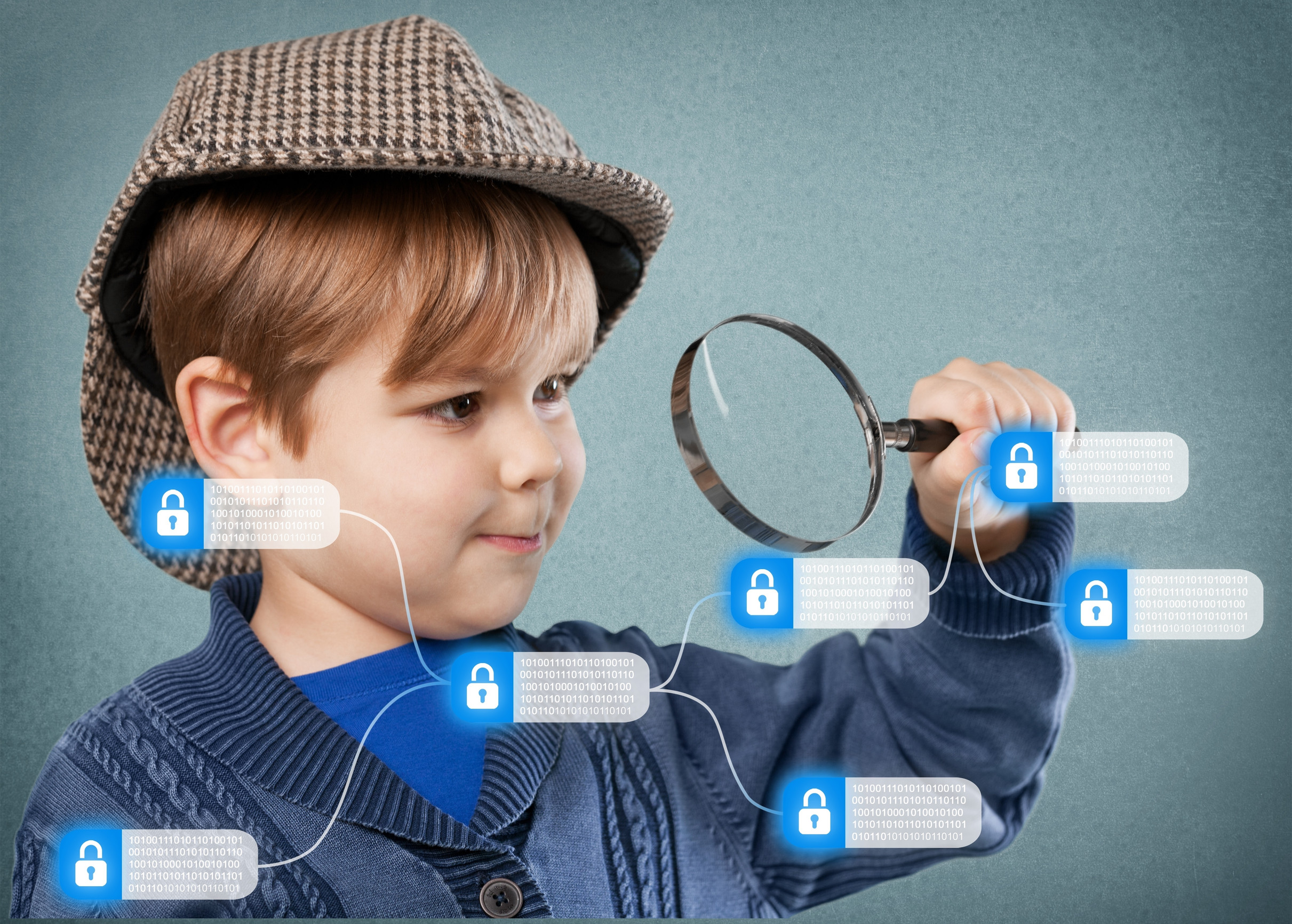
Your child’s online identity is forming the moment you share that first baby photo—and every app, profile, and device they touch adds another layer. While the internet offers convenience and learning opportunities, it also carries long-term risks that many families don’t think about until it’s too late. A careless post, weak password, or unchecked app permission today could affect your child’s college acceptance, job application, or privacy years down the line. Securing your child’s digital footprint early is one of the most powerful ways to protect their reputation, safety, and future. Here are 12 simple but essential steps you can take now to lock down their online presence for life.
1. Start With a Clean Slate
Before your child begins using any new device or account, take a moment to set things up intentionally. Avoid using their full name, birthdate, or address in usernames or email handles. This helps keep personal information private and reduces the risk of identity theft. A clean, anonymous start is the best foundation for a secure digital footprint. Be mindful of the information you provide during app sign-ups or device registrations.
2. Use Privacy-Focused Email Addresses
Create a dedicated email address for your child’s online use that doesn’t reveal personal details. Avoid using their name or school in the email, and opt for a private, secure provider. This helps shield their identity and cuts down on spam and marketing emails. Email is often the gateway to password resets and sensitive accounts, so treat it with care. Keep login credentials stored securely and monitor the account periodically.
3. Turn Off Location Sharing by Default
Many apps request access to location data, but most preschoolers and kids don’t need this feature enabled. Turn off location services for any apps that don’t require it to function. This reduces the chance of tracking, targeting, or accidental sharing of your child’s whereabouts. It also helps protect your child’s routine from being mapped by third parties. Always check settings after updates, as permissions can change.
4. Set Strong Parental Controls
Whether it’s a tablet, smart TV, or game console, use built-in parental controls to restrict content and limit access. These settings help you control what your child sees, who they can interact with, and how much time they spend online. A strong digital footprint starts with boundaries that reflect your family’s values and expectations. Revisit these settings regularly as your child grows. Parental controls aren’t foolproof, but they’re a vital layer of defense.
5. Limit Public Sharing of Photos
It’s tempting to share milestones online, but every post adds to your child’s digital footprint. Avoid posting identifying photos like school uniforms, address numbers, or birthday banners. Once an image is online, you lose control over where it ends up. If you do share, adjust your privacy settings and avoid public profiles. Respect your child’s digital dignity, even when they’re too young to understand it yet.
6. Teach Password Security Early
Kids don’t need to know everything about cybersecurity, but they can learn the basics of strong passwords. Encourage using phrases, symbols, and combinations rather than names or birthdays. Help them create and remember passwords for games or learning apps as a habit. Good password hygiene is one of the best protections against future breaches. Reinforce the idea that passwords are private—even from friends.
7. Use Two-Factor Authentication
Wherever possible, enable two-factor authentication (2FA) on accounts tied to your child. This adds an extra layer of protection beyond the password. You’ll usually get a code via text or an authentication app before access is granted. It’s a small step that makes hacking or unauthorized access much more difficult. As your child gets older, teach them how and why this safeguard matters.
8. Avoid Linking Accounts
Many apps and services offer to log in with Google, Facebook, or Apple credentials. While convenient, this can connect multiple accounts and expand your child’s digital footprint rapidly. It also means a security breach in one account can affect several others. Use standalone logins with unique credentials instead. This keeps your child’s digital activity more compartmentalized and secure.
9. Monitor App Permissions
Every app asks for permissions—but not all requests are necessary. Check which apps are asking to access the camera, microphone, contacts, or location. Disable anything that isn’t essential to the app’s function. This step reduces data collection and gives you more control over how much information is being shared. Make reviewing permissions part of your regular digital housekeeping.
10. Minimize Data Shared with Schools and Programs
Some schools, sports teams, or camps collect more personal info than they truly need. Be cautious about what you provide and ask how the data will be stored or shared. A smaller digital footprint reduces the chance of information leaks or misuse. If forms require sensitive data, don’t hesitate to ask why. It’s okay to advocate for your child’s privacy.
11. Delay Social Media Use
Social media is a big contributor to a permanent digital footprint. The longer you can delay your child’s entrance into these platforms, the more time you have to teach safe, thoughtful sharing. When the time does come, start with private accounts and limit who they can interact with. Emphasize quality over quantity when it comes to posts and followers. This delay also gives you more time to model healthy digital habits.
12. Talk About Their Digital Legacy
Even young kids can understand that what they put online lasts. Framing the idea of a digital footprint in age-appropriate terms helps them build awareness. As they grow, involve them in choices about privacy, sharing, and online behavior. Your goal is to raise a child who can manage their own online presence with intention and care. A strong foundation now makes them safer and smarter in the digital world ahead.
Lifelong Safety Starts with Today’s Habits
Your child’s digital footprint will follow them for life—but how it takes shape is largely in your hands. The steps you take now can protect their privacy, identity, and reputation long before they’re old enough to navigate it themselves. Think of it as building a digital safety net that grows with them, providing freedom and protection at every stage. When privacy is the priority, your child gets a safer start and a more secure future.
Which of these digital footprint tips do you already use at home—and which ones surprised you? Share your thoughts in the comments!
Read More:
9 Digital Attacks Experts Say Are Imminent for Kids
Privacy Violation: 7 Things Never to Post About Your Kids Online

Catherine is a tech-savvy writer who has focused on the personal finance space for more than eight years. She has a Bachelor’s in Information Technology and enjoys showcasing how tech can simplify everyday personal finance tasks like budgeting, spending tracking, and planning for the future. Additionally, she’s explored the ins and outs of the world of side hustles and loves to share what she’s learned along the way. When she’s not working, you can find her relaxing at home in the Pacific Northwest with her two cats or enjoying a cup of coffee at her neighborhood cafe.
